

Three automations of Decisions help your team move a conversation forward. They only ever suggest: someone on your team reads the suggestion and decides.
- Next step proposes one thing to do in each chat: a reply draft, an internal note, an assignment, a deal, or resolving it.
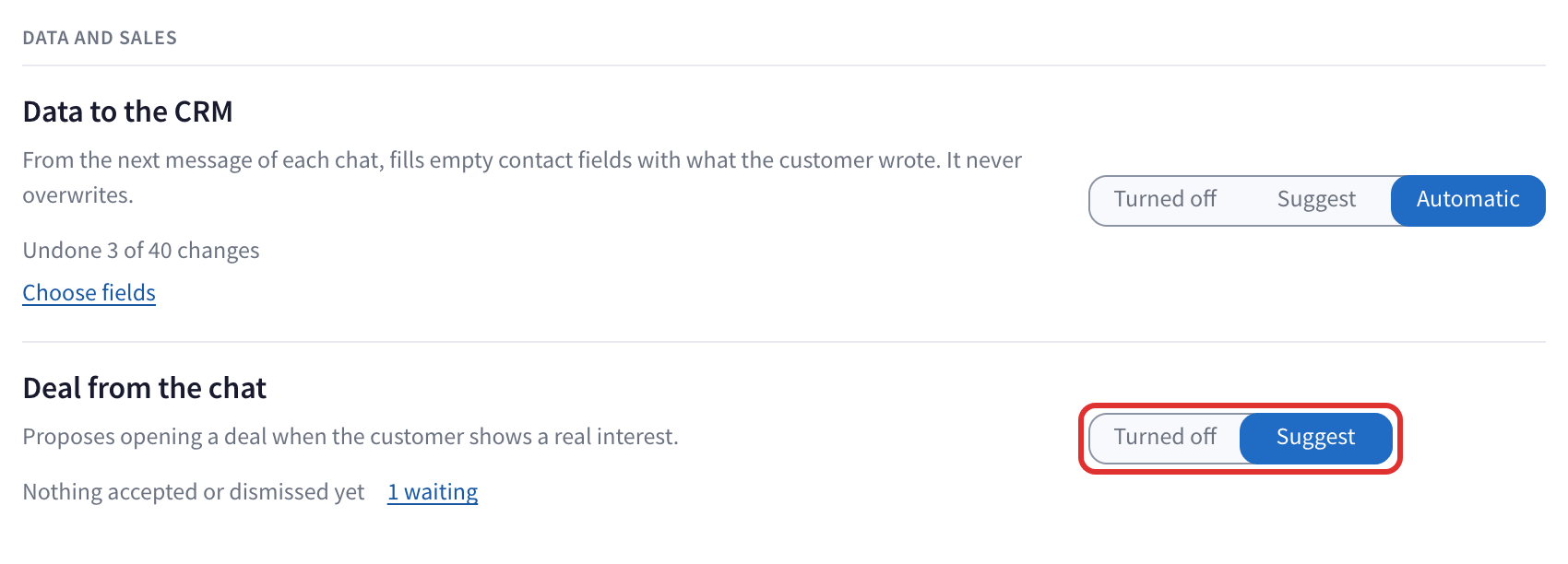
- Deal from the chat proposes opening a deal when the customer shows real interest.
- Handoff note proposes a short summary note when a chat changes hands.
Turn them on
- In your dashboard, go into your WhatsApp number and click Decisions.
- Under Help the agent, set Next step and Handoff note to Suggest.
- Under Data and sales, set Deal from the chat to Suggest.
Next step
About 30 minutes after the customer's last message, the chat may show one suggestion of what to do next:
- Insert reply puts a reply draft in the message box. It is never sent on its own: read it, change it and send it yourself. It does not propose a reply when your team wrote last.
- Add note leaves an internal note that only your team sees, signed by whoever accepts it.
- Assign gives the chat to a teammate.
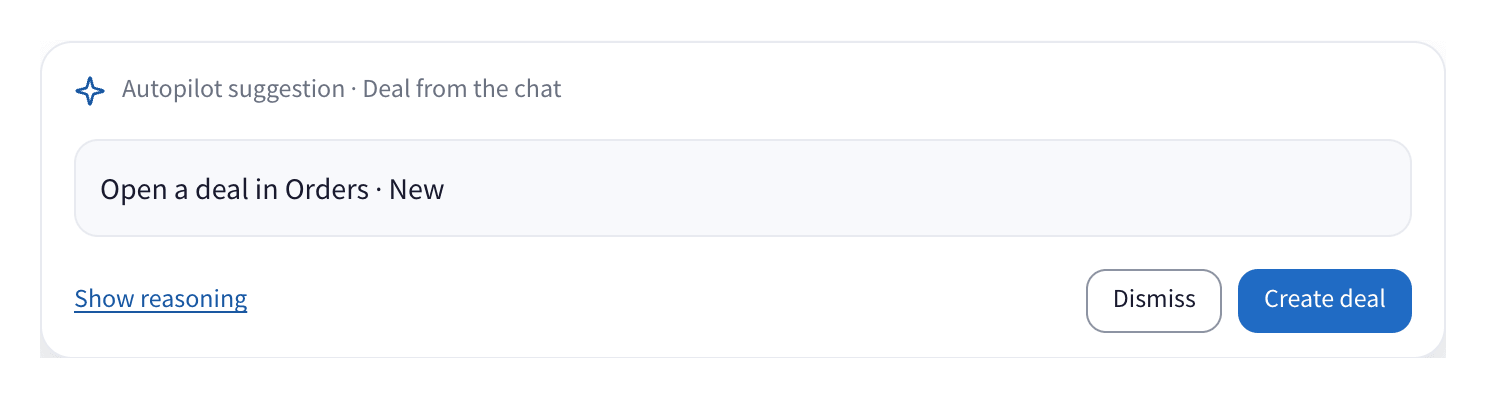
- Create deal opens a deal in your sales funnel.
- Resolve resolves the chat, after asking you once more.
A draft or a note with a link, an email or a phone number that nobody gave in the conversation is never proposed.
Deal from the chat
When a customer asks for a price, a quote or a delivery date, the chat shows a suggestion to open a deal, with the funnel and the stage it goes into. Click Create deal, or Dismiss.
It needs:
- Sales funnels in your plan, and at least one active sales funnel. The card tells you It needs an active sales funnel when there is none.
- No open deal for that contact already: then it proposes nothing.
The deal opens in the first open stage of the funnel.
Handoff note
When a chat is assigned to someone else, or resolved with something still pending, the chat shows a suggested internal note for whoever takes it. It has three points: what the customer asks for, what was done, and what is pending. Click Add note, or Dismiss. The note starts with Automatic summary, so everyone knows where it came from.
It only proposes a note for conversations with at least 10 messages, where a summary saves time, and never for a chat the autopilot closed itself.
Questions
Can these ever act on their own? No. Next step, Deal from the chat and Handoff note only suggest. Their cards have no Automatic mode.
Will it send the reply draft if nobody looks at it? No. Nothing is ever sent to your customer by the autopilot.
Where do I see all the waiting suggestions? In the history, under Needs action.